Guides
What is IPTV? The Ultimate Guide for Beginners in 2026
Learn everything you need to know about Internet Protocol Television (IPTV). Discover how it works, why millions are cutting the cord, and how to choose a safe, premium provider in 2026.
Loading StreamVexa...
Quick access to our expert setup guides, region-specific channels, provider comparisons, and latest tutorials.
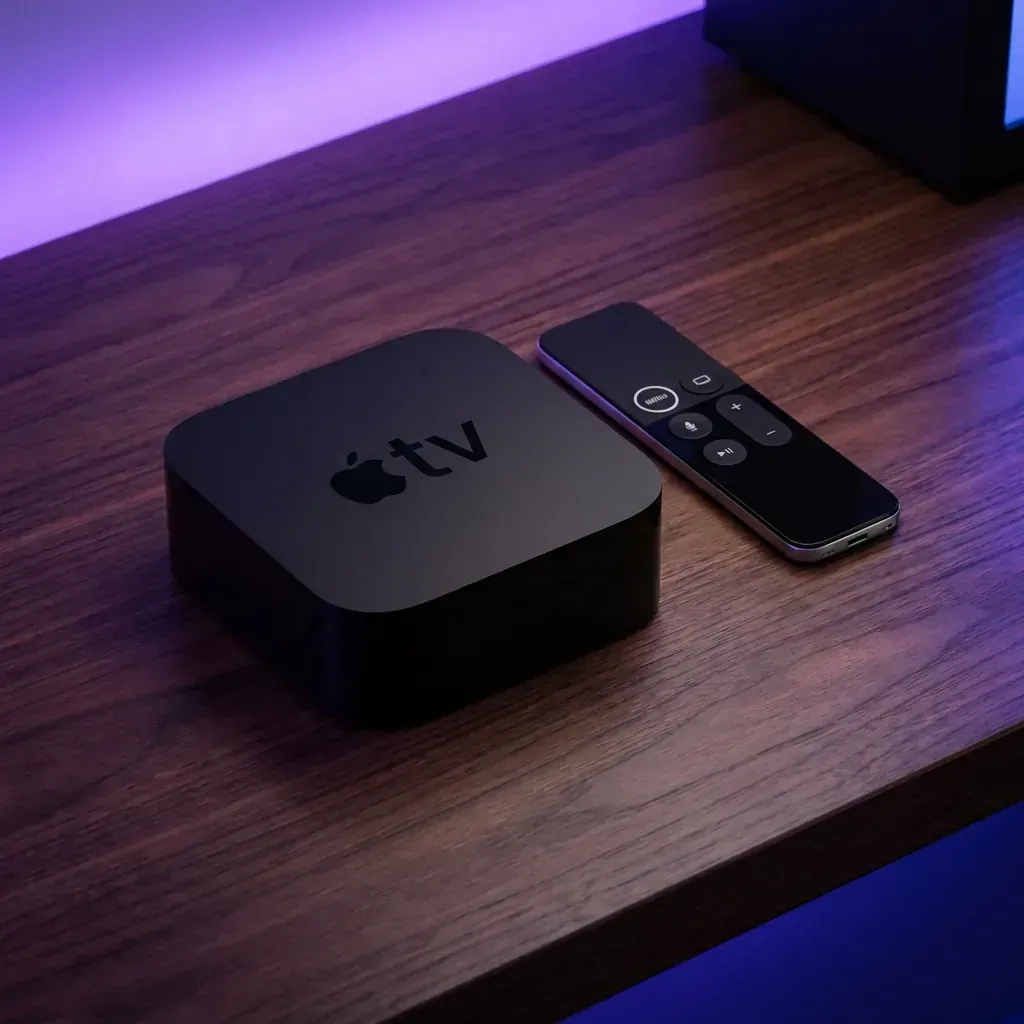
Learn how to get the most out of Best IPTV for Apple TV 4K: The Definitive 2026 Guide (2000+ Words) with StreamVexa. Watch IPTV Apple TV in 4K.
Join 15,000+ others who switched to our Anti-Freeze technology. Get instant access to 25,000+ channels in 4K starting from just 3 months.
If you are reading this, you probably own an Apple TV 4K. Congratulations choicesyou own the most powerful streaming hardware on the planet.
But are you using it correctly?
Most people buy an Apple TV for Netflix or Disney+, but they don't realize it is also the ultimate machine to buy premium IPTV subscription. While Android users on cheap Firesticks struggle with laggy menus and buffering, your Apple TV's A15 Bionic chip (the same one in the iPhone 13) can chew through huge 8K video files without breaking a sweat.
In this massive 2000-word guide, we are going to show you exactly how to turn your Apple TV into a global entertainment powerhouse. We will cover the best apps, hidden features, and how to get the most out of your StreamVexa subscription.
Before we get into the apps, let's settle the debate. Why should you use an Apple TV over the much cheaper Amazon Firestick 4K Max?
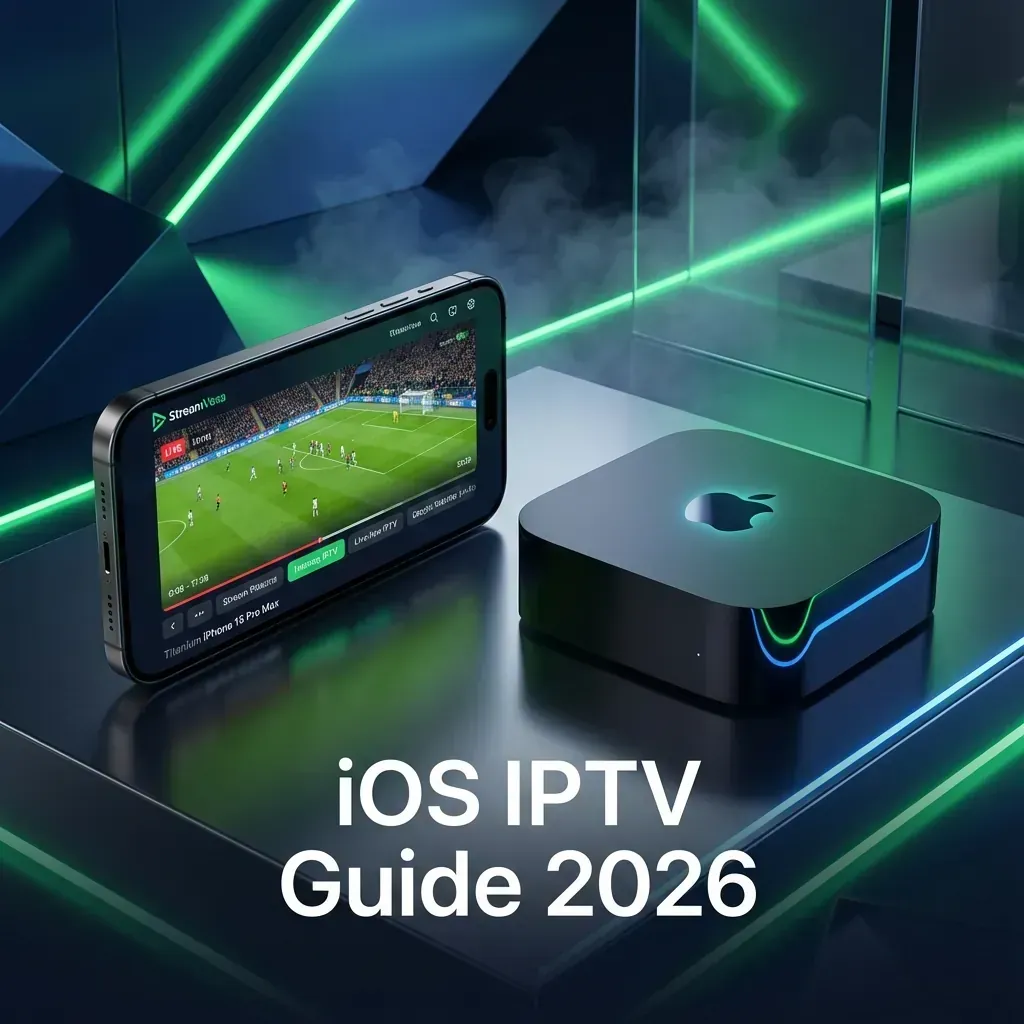
IPTV is demanding. Unlike Netflix, which uses highly compressed video, a premium service like StreamVexa delivers raw, high-bitrate streams (sometimes exceeding 30 Mbps for sports).
Have you ever watched a football game where the ball looks "jittery"? That's because the frame rate of the TV doesn't match the stream (e.g., watching a 50fps UK stream on a 60Hz US TV). Apple TV has a system-level feature called "Match Content Frame Rate". It automatically adjusts your TV's refresh rate to match the stream, ensuring silky-smooth motion.
On Android, you often have to enable "Developer Mode" and download sketchy APK files to get good IPTV players. On Apple TV, everything is in the App Store. The apps are vetted, secure, and auto-update.
We have tested every single IPTV app on the App Store. Here is the definitive ranking for 2026.
Price: Premium Subscription / One-time purchase (~$5) Best For: Power users who want performance.
UHF appeared recently and completely dethroned the competition. It is built specifically for modern tvOS and it shows.
How to Setup UHF with StreamVexa:
http://line.streamvexa.comPrice: Free (Verified) Best For: Beginners migrating from Android.
If you've used IPTV on a Firestick, you know "IPTV Smarters". This is the official iOS/tvOS version.
Pro Tip: Select "Install EPG" during setup to ensure you get full program guides for our 25,000+ channels.
Price: ~$6.99 Best For: People who miss the look of traditional Cable TV.
iPlayTV focuses purely on design. The channel list overlays transparently over the video, just like Sky or Comcast boxes. It organizes content beautifully and automatically groups channels into categories like "Sports", "Kids", and "News".
Price: Free / Paid Best For: Speed.
As the name suggests, this app focuses on "snappy" performance. It caches the EPG data aggressively so that when you open the guide, it's there instantlyno waiting for it to download.
Price: Free / Paid Best For: Advanced users who need cryptic playlist support.
A veteran in the game. The interface is a bit dated (looks like 2018), but it's a Swiss Army Knife that can play almost any stream format you throw at it.
Having the right app is only half the battle. You need to configure your Apple TV to handle StreamVexa's 4K content.
WiFi is great, but Ethernet is King.
Go to Settings -> Video and Audio:
Even on an Apple TV, things can go wrong. Here is how to fix them.
This usually happens if you type the URL wrong.
http:// (not https) if that is what we provided.If you are on Apple TV, it's rarely the device's fault.
You have the best hardware (Apple TV). You have the best software (UHF). Don't ruin it with a cheap $5 provider.
StreamVexa is the premium backend your setup deserves.
Ready to see what your Apple TV can really do?
Buy Apple TV IPTV Subscription - Premium Plan Check Our Pricing Plans Read How to Watch NFL Without Blackouts
All plans include a 7-Day Unconditional Money-Back Guarantee.
Meta Title: Best IPTV for Apple TV 4K: The Definitive 2026 Guide (2000+ Words)'
Meta Description: Stop using cheap sticks. Unlock the true power of your Apple TV 4K with our massive guide on the best IPTV apps: UHF, Smarters Lite, iPlayTV and more.'
URL Slug: /blog/best-iptv-for-apple-tv-2026
Primary Keyword: IPTV Apple TV
Secondary Keywords: IPTV Apple TV, Best IPTV App Apple TV 2026, UHF Player Setup, Smarters Player Lite, iPlayTV review, Apple TV 4K streaming, high bitrate IPTV'
Internal Links:
Learn everything you need to know about Internet Protocol Television (IPTV). Discover how it works, why millions are cutting the cord, and how to choose a safe, premium provider in 2026.

Tired of buffering at the worst moment? Discover the best premium IPTV service of 2026 that actually delivers 4K sports and VOD without the freezing.
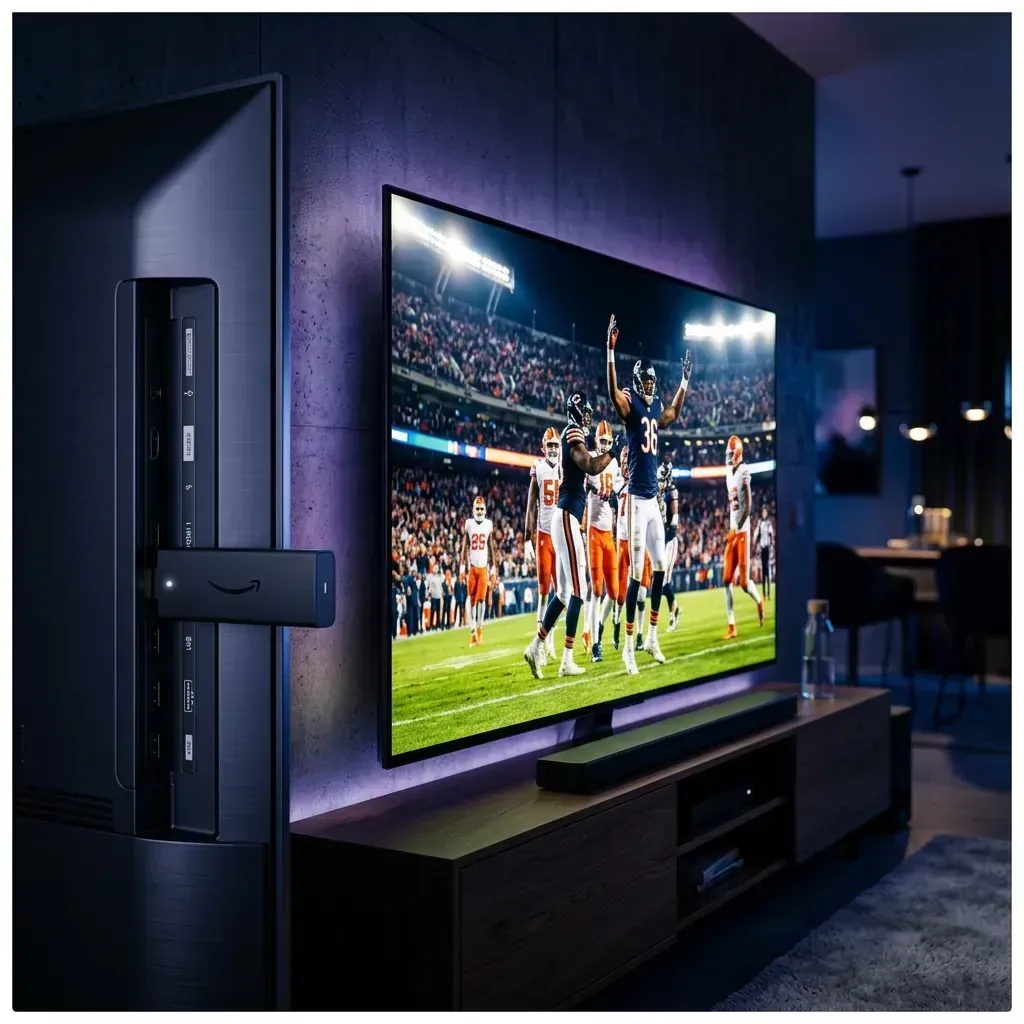
Looking to jailbreak your Firestick in 2026? Stop. Free APKs buffer and carry malware. Follow these 5 safer steps to set up a premium, buffer-free live TV experience.