Guides
What is IPTV? The Ultimate Guide for Beginners in 2026
Learn everything you need to know about Internet Protocol Television (IPTV). Discover how it works, why millions are cutting the cord, and how to choose a safe, premium provider in 2026.
Loading StreamVexa...
Quick access to our expert setup guides, region-specific channels, provider comparisons, and latest tutorials.

Everything you need to know about IPTV: how it works, what devices you need, types of services, and why millions are switching from cable.
Join 15,000+ others who switched to our Anti-Freeze technology. Get instant access to 25,000+ channels in 4K starting from just 3 months.
If you’ve heard the term "IPTV" thrown around in tech conversations or seen it mentioned as a modern alternative to expensive cable packages, you might be wondering: What exactly is IPTV?
In the modern era, the way we consume entertainment has shifted dramatically. Gone are the days of being tethered to a satellite dish or a rigid cable contract. Internet Protocol Television (IPTV) is at the forefront of this revolution, offering flexibility, variety, and cost-effectiveness that traditional broadcasters simply cannot match.
In this comprehensive guide, well break down everything you need to know about IPTVfrom how it works to how you can get started safely and easily.
IPTV stands for Internet Protocol Television.
Unlike traditional television which is delivered via:
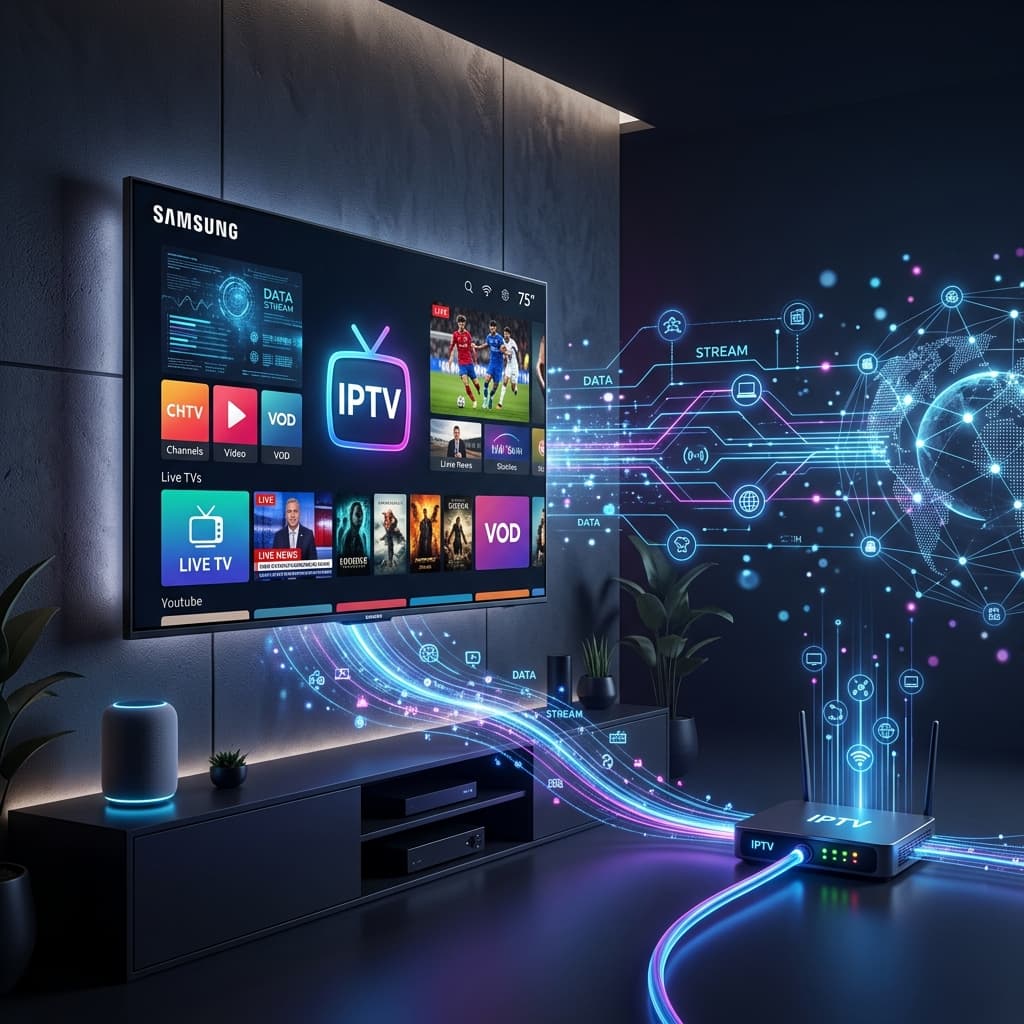
IPTV delivers television content over the internet. If you have ever watched a YouTube video or streamed a movie on Netflix, you have used a similar technology. However, IPTV specifically refers to live TV broadcasts and Video on Demand (VOD) stored on servers and delivered to your device via your internet connection.
Imagine your internet connection as a highway. Traditional browsing sends data (emails, web pages) like small cars. IPTV sends data involves sending video content as a continuous stream of data packetslike a long train.
When you select a channel on an IPTV service, your device sends a request to the provider's server. The server then sends the video stream directly to you. This "unicast" or "multicast" method allows for:
Not all IPTV services are the same. Generally, they fall into three main categories:
This is the direct replacement for cable TV. It involves watching broadcasts as they happennews, sports events, and scheduled shows.
This works like a digital library. You browse a catalog of movies and TV series and play them whenever you want.
Missed your favorite show? Time-shifted TV allows you to watch content that was broadcast comfortably in the past (usually 24 hours to 7 days).
The migration from cable to IPTV is accelerating. Here is why users are making the switch:
Considering a switch? Don't commit blindly. Test the stability and channel list first. Try our Premium 3-Month Plan to see the quality for yourself on your own device.
Getting started is surprisingly simple. You likely already own the necessary hardware.
Since content is streamed, your internet speed determines the quality.
You can install IPTV apps on almost any "smart" device:
The "Service" provides the content (the channels), but the "Player" is the interface you use to watch. Popular players include:
This is a common myth. Today, setting up IPTV is often easier than setting up a cable box.
Most providers use a system called Xtream Codes API. Instead of lengthy playlist URLs, you simply enter a:
Once entered, the app instantly loads thousands of channels, movies, and series with full Electronic Program Guides (EPG).
The IPTV market is crowded. To ensure a buffer-free experience, prioritize these factors:
IPTV is not just the future of television; it is the present. It puts you in control of what you watch, when you watch it, and how much you pay for it. Whether you are a cord-cutter looking to save money or a sports enthusiast wanting access to every global match, IPTV is the solution.
Ready to cut the cord?
Experience the difference today. Get full access to 15,000+ live channels and VODs completely risk-free. Click here to view our Premium 3-Month Plan
/blog/what-is-iptv-beginner-guideLearn everything you need to know about Internet Protocol Television (IPTV). Discover how it works, why millions are cutting the cord, and how to choose a safe, premium provider in 2026.

Tired of buffering at the worst moment? Discover the best premium IPTV service of 2026 that actually delivers 4K sports and VOD without the freezing.
Looking to jailbreak your Firestick in 2026? Stop. Free APKs buffer and carry malware. Follow these 5 safer steps to set up a premium, buffer-free live TV experience.