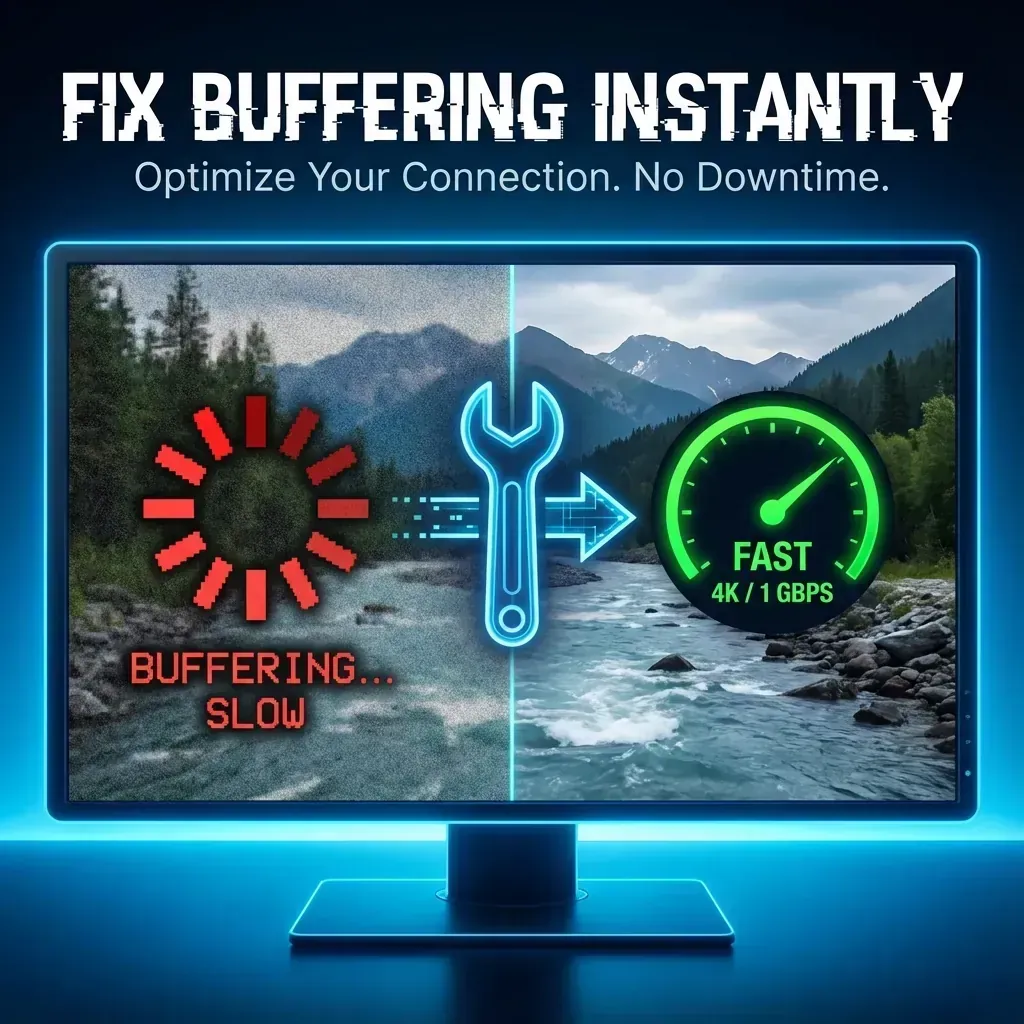
Why Your IPTV Keeps Buffering (And How to Fix It Instantly)
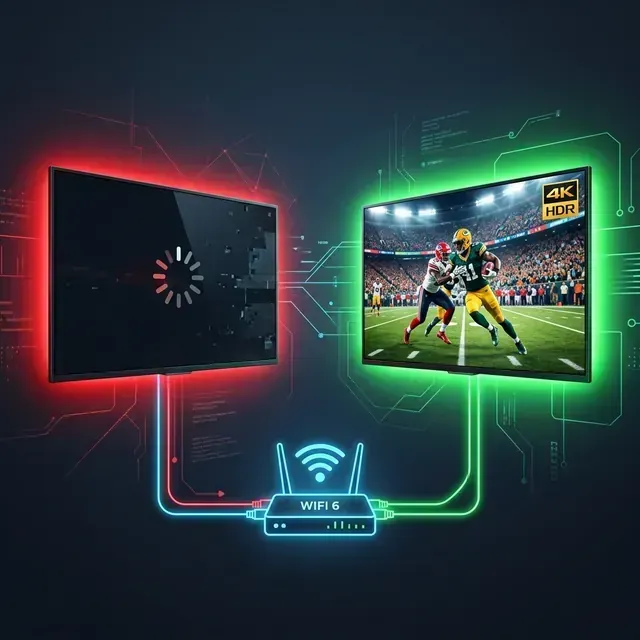
You are watching the 90th minute of a football match. The striker is about to shoot. And then... The Loading Circle.
There is nothing more frustrating.
Most buffering issues aren't caused by "slow internet." They are caused by ISP Throttling, Cheap Servers, or Bad Device Settings.
This guide is your 5-minute checklist to eliminate lag forever.
The "Silent Killer": ISP Throttling
Did you know your Internet Service Provider (ISP) can see exactly what you are watching?
When they detect high-bandwidth streaming (like 4K Sports) during peak hours (7 PM - 10 PM), they artificially slow down your connection to save bandwidth. This is called Throttling.
The Test:
Run a speed test. If you get 100 Mbps on the test but your IPTV still buffers, you are being throttled.
The Fix: Use a WireGuard VPN
You don't just need a VPN; you need a fast one. Old VPNs using "OpenVPN" are too slow for 4K.
- Action: Install a VPN that supports the WireGuard® Protocol.
- Result: This encrypts your traffic. Your ISP can't see what you are watching, so they can't throttle it.
Your WiFi Signal is Weak (Even if it Looks Strong)
IPTV requires a consistent stream of data. WiFi signals fluctuate when a microwave turns on, or a neighbor downloads a file. These tiny "packet losses" cause freezing.
Fix 1: The $15 Hardware Upgrade
If you use a Firestick, buy an Ethernet Adapter. Hardwiring your device to the router is the single most effective upgrade you can make. It solves 80% of local buffering issues instantly.
Fix 2: The 5GHz Rule
If you must use WiFi:
- Log into your router (or check your WiFi list).
- Ensure you are connected to the 5GHz band, not 2.4GHz.
- 5GHz is 5x faster and handles 4K streams much better.
Need a better device?
A slow device can also cause lag. Check our Firestick Setup Guide to see if you need an upgrade.
The Real Problem: Overloaded Servers
Youve fixed your internet. Youve added a VPN. But it still buffers.
Why? Because you are paying $5/month.
Cheap IPTV providers are like cheap airlines. They "oversell" their servers. If a server can handle 1,000 users, they sell 5,000 subscriptions.
- Monday Morning: It works fine.
- Super Bowl Sunday: It crashes instantly.
The StreamVexa Difference: "Anti-Freeze" Tech
We do things differently. We use Load Balancing and Anti-Freeze Technology.
- Smart Routing: If Server A gets busy, we automatically move you to Server B without the stream stopping.
- Real Capacity: We limit users per server to ensure 4K bandwidth is always available.
Summary Checklist (Do This Now)
- Restart Router: Unplug for 60 seconds (clears cache).
- Hardwire: Use Ethernet if possible.
- Check Throttling: Turn on a VPN if your speed is fast but streams are slow.
- Change Provider: If you have done 1-3 and it still freezes, your provider is the issue.
Solve Buffering Permanently?
Stop fighting with cheap servers. Switch to a provider built for 4K stability.
Test our Anti-Freeze Servers Free for 24 Hours
Frequently Asked Questions (FAQ)
How do I fix IPTV buffering on Firestick 2026?
To fix IPTV buffering on Firestick in 2026, first use an Ethernet adapter to hardwire your connection. If you must use WiFi, connect to the 5GHz band. Finally, ensure your IPTV provider uses Anti-Freeze technology and load-balanced servers to prevent peak-time freezing.
Does a VPN stop IPTV from freezing?
Yes, if your internet service provider (ISP) is throttling your connection during peak hours, a fast VPN using the WireGuard protocol will encrypt your traffic and stop the ISP from intentionally slowing down your IPTV streams.
Why does my IPTV freeze every 10 seconds?
Constant freezing every 10 seconds usually indicates a Wi-Fi packet loss issue or an overloaded server from a low-quality IPTV provider. Restart your router, un-pair unnecessary Bluetooth devices, and test a premium service like StreamVexa to see if the issue persists.
-
Meta Title: Why Your IPTV Keeps Buffering (And How to Fix It Instantly)"
-
Meta Description: Is your stream freezing right before the touchdown? It's probably not your connection. Discover the 3-step 'Anti-Freeze' fix."
-
URL Slug: /blog/fix-iptv-buffering-freezing-guide
-
Primary Keyword: IPTV buffering fix
-
Secondary Keywords: IPTV buffering fix, stop IPTV freezing, IPTV VPN, ISP throttling IPTV"
-
Internal Links: