
Sports Guides
How to Watch FIFA World Cup 2026 Live Stream
Learn how to watch World Cup 2026 live stream in high-bitrate 4K UHD. Stream every match with zero buffering, regional blackouts, or expensive cable bills.
Loading StreamVexa...
Quick access to our expert setup guides, region-specific channels, provider comparisons, and latest tutorials.

Learn how to get the most out of How to Stop Buffering on Firestick: The Ultimate 2026 Guide to Stable Streaming with StreamVexa. Watch Fix ISP throttling 2026 in 4K.
Join 15,000+ others who switched to our Anti-Freeze technology. Get instant access to 25,000+ channels in 4K starting from just 3 months.
You pay for 1 Gig Internet. You bought the brand new Firestick 4K Max. You even hardwired it with Ethernet.
So why, specifically at 8 PM on a Sunday night, does your football game start buffering?
The answer isn't your internet speed. It isn't your Firestick. It's your Internet Service Provider (ISP) actively fighting you.
In this deep technical dive, we are going to expose how ISPs like Comcast, AT&T, Virgin Media, and BT throttle streaming traffic. Then, we are going to show you the 2026 methods to defeat themincluding one method that doesn't even require a VPN.
Throttling is the intentional slowing down of internet service by an ISP. But in 2026, they don't just "slow down everything." They use sophisticated Deep Packet Inspection (DPI).
Imagine your internet traffic is like mail passing through a post office.
If they see headers associated with IPTV streaming protocols (like RTMP, HLS, or MPEG-TS), specifically from non-partnered servers, they instantly cap that specific connection.
The Symptom: Your speed test says "500 Mbps", but your stream is frozen. That's because the Speedtest packets are allowed to pass freely, while your Streaming packets are being choked to 5 Mbps.
The classic way to beat throttling is encryption. This is where a Virtual Private Network (VPN) comes in.
A VPN creates an encrypted tunnel between your Firestick and the VPN server.
User -> Watching IPTV Stream (THROTTLE IT!)User -> Encrypted Data (STABLE ACCESS)Because the ISP cannot read the "envelope" (packets), they don't know you are streaming sports, so they typically let the traffic run at full speed.
If you choose this route, you need a VPN that supports WireGuard protocol (faster than OpenVPN).
The Downside of VPNs:
VPNs were the solution in 2024. But in 2026, there is a better way.
What if you didn't need to hide your traffic? What if your traffic simply looked innocent to the ISP?
This is where StreamVexa changes the game.
At StreamVexa, we don't just blast raw video data. We encapsulate our streams. When you connect to our servers, our headers are designed to mimic standard HTTPS web traffic or CDN Bulk Data.
To an ISP's Deep Packet Inspection tool, a StreamVexa connection looks identical to downloading a large file from Google Drive or watching a YouTube clip. They don't throttle it because they don't recognize it as "Third Party IPTV".
Buffering isn't always the ISP. Often, it's the "Cheap Provider" problem.
Even with StreamVexa, you need to ensure your local hardware isn't the bottleneck.
Amazon spies on your data usage by default. This takes up background CPU cycles.
Default ISP DNS servers are slow and track you. Switch to Cloudflare.
1.1.1.1, DNS 2: 1.0.0.1.Apps build up "junk" files over time.
Firesticks run many apps in the background (Netflix, Prime, etc.) that eat up your RAM.
The battle between ISPs and Streamers is an arms race.
You don't need to be a network engineer to watch football without lag. You just need a provider that understands the technology.
Stop fighting your ISP. Outsmart them.
Get Your Anti-Freeze Premium Plan Check TiviMate Setup Guide View Our Pricing
Meta Title: How to Stop Buffering on Firestick: The Ultimate 2026 Guide to Stable Streaming
Meta Description: Is your internet fast but your stream still lags? You are likely a victim of ISP Throttling. Here is the technical guide to fixing it once and for all.
URL Slug: /blog/how-to-stop-iptv-buffering-firestick-2026
Primary Keyword: Fix ISP throttling 2026
Secondary Keywords: Stop ISP throttling 2026, Best VPN for Firestick 2026, Stop internet throttling, Fix IPTV Buffering, Firestick VPN Setup, Anti-Freeze IPTV
Internal Links:
Learn how to watch World Cup 2026 live stream in high-bitrate 4K UHD. Stream every match with zero buffering, regional blackouts, or expensive cable bills.

We tested the top IPTV providers of 2026. See which services actually deliver buffer-free 4K sports, massive VOD libraries, and reliable customer support without the scams.
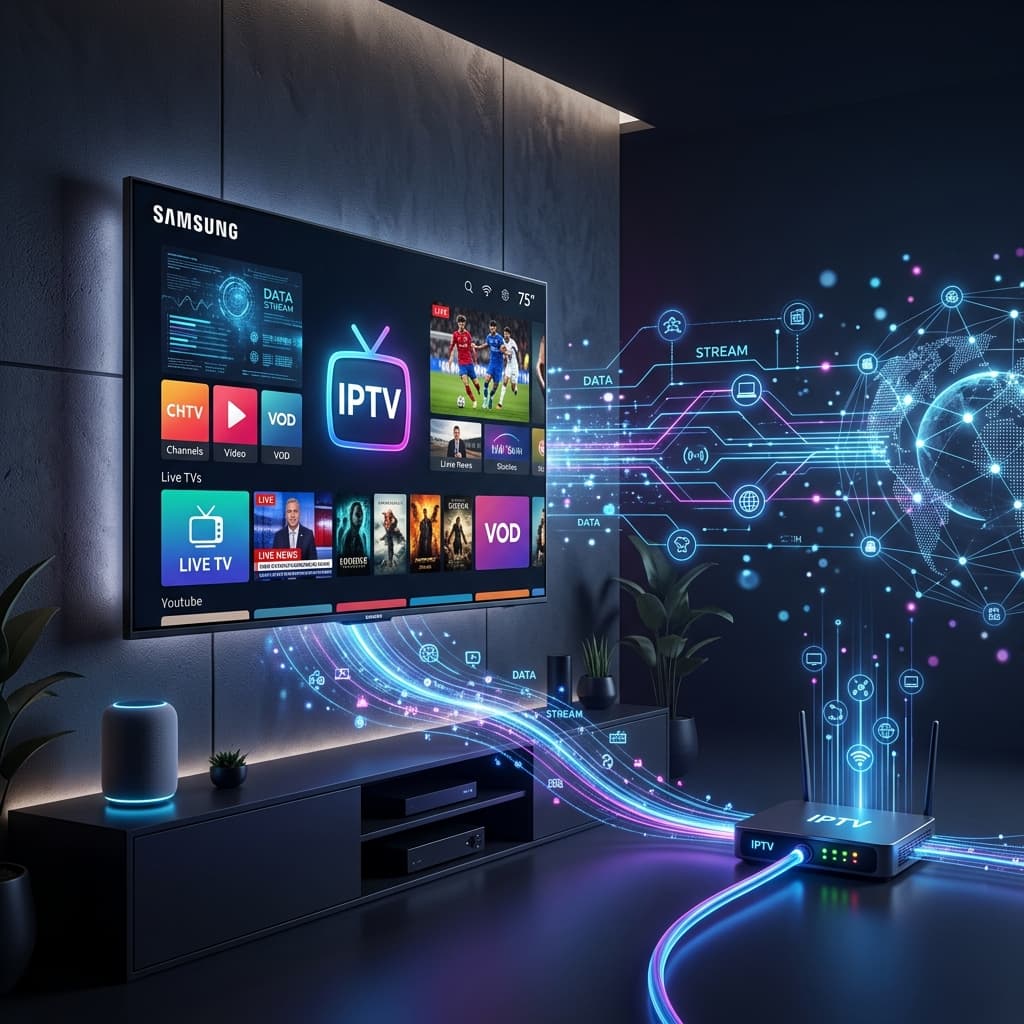
Learn everything you need to know about Internet Protocol Television (IPTV). Discover how it works, why millions are cutting the cord, and how to choose a safe, premium provider in 2026.