Guides
What is IPTV? The Ultimate Guide for Beginners in 2026
Learn everything you need to know about Internet Protocol Television (IPTV). Discover how it works, why millions are cutting the cord, and how to choose a safe, premium provider in 2026.
Loading StreamVexa...
Quick access to our expert setup guides, region-specific channels, provider comparisons, and latest tutorials.
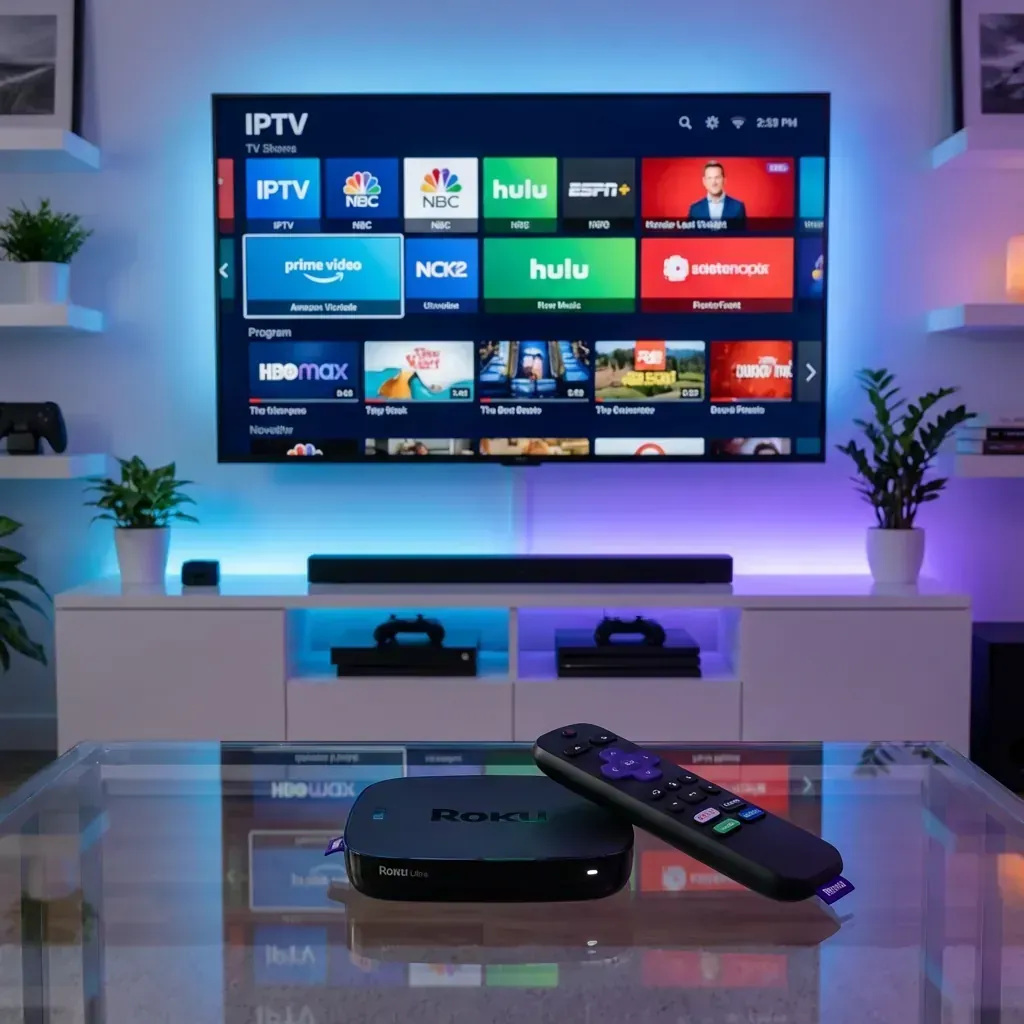
Learn how to get the most out of Best IPTV for Roku 2026: Complete Setup Guide & Working Apps with StreamVexa. Watch Best IPTV for Roku 2026: Complete Setup Guide & Working Apps in 4K.
Join 15,000+ others who switched to our Anti-Freeze technology. Get instant access to 25,000+ channels in 4K starting from just 3 months.
Roku is one of the best-selling streaming devices in America. It's affordable, easy to use, and has a massive app library.
But there's a catch: Roku heavily restricts IPTV apps.
Unlike Firestick or Android TV, you can't sideload APKs on Roku. The Roku Channel Store doesn't allow third-party IPTV players.
So is IPTV on Roku impossible? Not quite. Here are the proven methods for 2026.
The most reliable method. Use your phone or computer as the IPTV player and mirror to Roku.
The Roku Media Player app can play local M3U files, but with severe limitations.
Limitations:
Not recommended for daily use.
If you have a Plex server, you can integrate IPTV.
Pros: Native Plex interface, DVR recording possible. Cons: Complex setup, requires always-on PC.
I know this isn't what you want to hear, but it's the truth: Roku is not designed for IPTV.
For ~$25, you can get an Amazon Firestick Lite that:
If you're serious about cord-cutting, plug a Firestick into another HDMI port. Use Roku for Netflix and Firestick for IPTV.
Roku is a publicly traded company with partnerships with major networks (NBC, Disney, etc.). Allowing IPTV apps would:
Unlike Amazon (which is hardware-focused), Roku makes money from content deals. IPTV threatens that business model.
Even with Roku limitations, StreamVexa makes it easier:
| Feature | Benefit for Roku Users | |---------|------------------------| | M3U URL | Works with screen mirroring apps | | Xtream Codes | Compatible with IPTV Smarters on phone | | Web Player | Access via Roku browser (limited) | | Multi-Device | Use on Firestick alongside Roku |
We provide three connection types so you can always find a method that works.
My recommendation:
This hybrid setup gives you the best of both worlds.
No. Roku removes any third-party IPTV apps that appear. Apps like "IPTV Player" in the store are for local server setups only.
Unlike Firestick, Roku cannot be "jailbroken" in any meaningful way. The operating system is locked down.
Unlikely. Roku's business model depends on media partnerships that IPTV threatens.
Roku is great for mainstream streaming but terrible for IPTV. Your best options are:
If you need IPTV portability, consider a Firestickit's the best $25 investment for cord-cutters.
Get StreamVexa Premium Plan | Best IPTV for Firestick
First time hearing about IPTV? Check out our ultimate beginner's guide: What is IPTV and how does it work?
/blog/best-iptv-roku-2026Learn everything you need to know about Internet Protocol Television (IPTV). Discover how it works, why millions are cutting the cord, and how to choose a safe, premium provider in 2026.

Tired of buffering at the worst moment? Discover the best premium IPTV service of 2026 that actually delivers 4K sports and VOD without the freezing.
Looking to jailbreak your Firestick in 2026? Stop. Free APKs buffer and carry malware. Follow these 5 safer steps to set up a premium, buffer-free live TV experience.