Guides
What is IPTV? The Ultimate Guide for Beginners in 2026
Learn everything you need to know about Internet Protocol Television (IPTV). Discover how it works, why millions are cutting the cord, and how to choose a safe, premium provider in 2026.
Loading StreamVexa...
Quick access to our expert setup guides, region-specific channels, provider comparisons, and latest tutorials.

Learn how to get the most out of Best IPTV for Smart TV 2026: Samsung, LG, Sony & Android TV Guide with StreamVexa. Watch Best IPTV for Smart TV 2026: Samsung, LG, Sony & Android TV Guide in 4K.
Join 15,000+ others who switched to our Anti-Freeze technology. Get instant access to 25,000+ channels in 4K starting from just 3 months.
Why add another box when your Smart TV can do it all?
Modern Smart TVs from Samsung, LG, Sony, and others have built-in app stores and enough processing power to run IPTV apps natively. No Firestick, no Apple TVjust your remote.
This guide covers every major Smart TV brand and the best IPTV setup for each.
Samsung uses its proprietary Tizen operating system. While it doesn't support Android apps directly, there are still IPTV options.
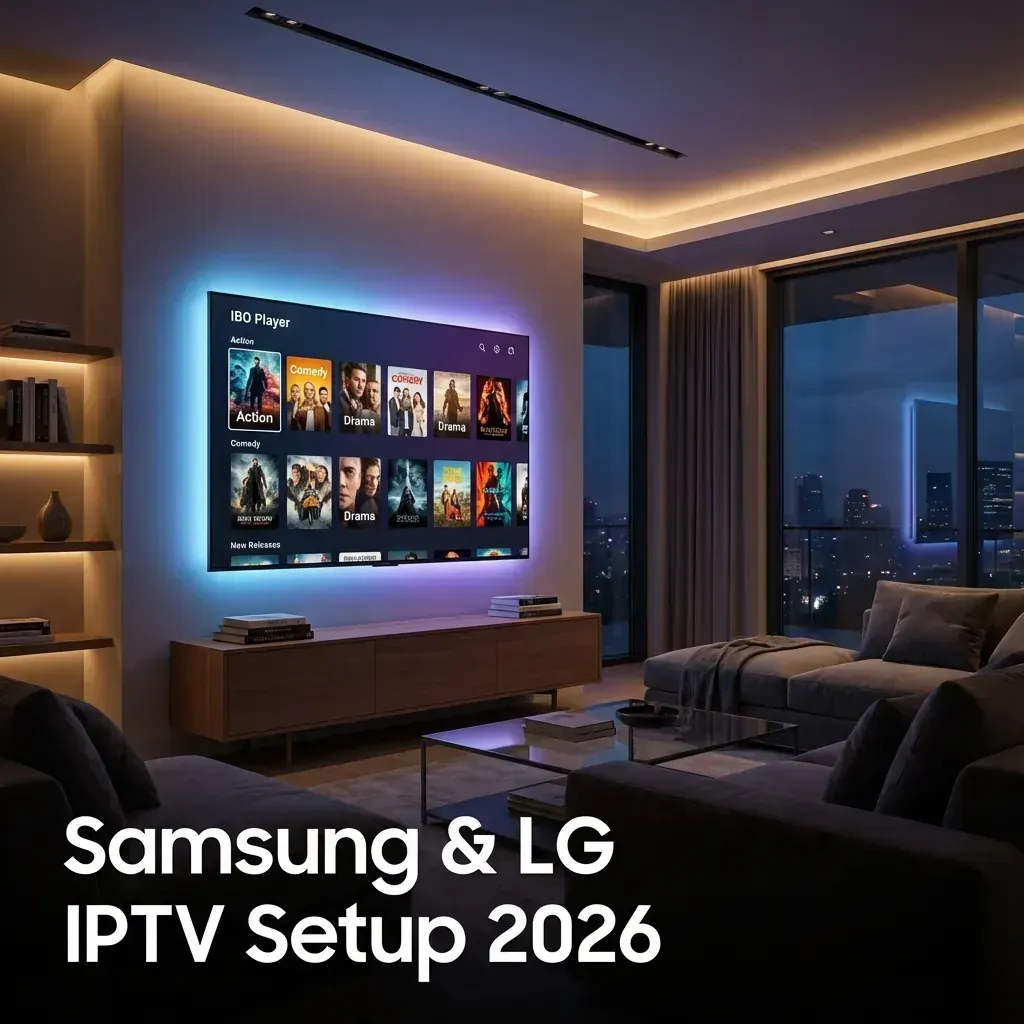
siptv.app/mylist on your computer.Pros: Best interface, EPG support, favorites. Cons: One-time 5.49 activation fee after trial.
Some Samsung models have IPTV Smarters in the store. Setup is identical to the Firestick version.
LG's webOS is similar to Samsung's Tizenproprietary but with app store options.
Same process as Samsung:
siptv.app/mylist.Pros: Completely free. Cons: Interface is older, less polished.
Sony TVs run Android TV or Google TVthe same OS as Nvidia Shield. This opens up the full Android IPTV ecosystem.
Yes! TiviMate works on Sony Android TVs.
Generic Android TV boxes run stock Android TV and have full Google Play access.
Recommended Apps:
Setup is identical to Sony Android TV instructions above.
These budget-friendly brands have varying levels of IPTV support.
Vizio's SmartCast is very limited. Your best option:
| TV Brand | OS | Best App | Notes | |----------|-----|----------|-------| | Samsung | Tizen | Smart IPTV | 5.49 one-time fee | | LG | webOS | Smart IPTV / SS IPTV | SS IPTV is free | | Sony | Android TV | TiviMate | Best overall experience | | Xiaomi | Android TV | TiviMate | Full sideloading support | | TCL | Android TV | TiviMate | Check which OS version | | Hisense | VIDAA | Smart IPTV | Limited app support | | Vizio | SmartCast | Cast from phone | Very limited native options |
We optimize our service for direct Smart TV usage:
Some apps are removed from regional stores. Solutions:
Smart TVs often have weaker WiFi than streaming boxes.
Some IPTV apps don't optimize for smart TV remotes.
Probably not if you have an Android TV (Sony, Xiaomi, etc.).
Maybe yes if you have Samsung/LG:
Definitely yes if you have Vizio or budget Roku TV:
Smart TVs have come a long way. Android TV owners have the best experienceTiviMate runs natively with all features.
Samsung and LG users should try Smart IPTV first. If you want the absolute best experience, add a Firestick.
No matter your TV, StreamVexa provides:
Meta Title: Best IPTV for Smart TV 2026: Samsung, LG, Sony & Android TV Guide"
Meta Description: No streaming box needed! Learn how to install IPTV directly on your Samsung, LG, Sony, or Android Smart TV with step-by-step instructions."
URL Slug: /blog/best-iptv-smart-tv-2026
Primary Keyword: IPTV
Secondary Keywords: IPTV, StreamVexa, Guide
Internal Links:
Learn everything you need to know about Internet Protocol Television (IPTV). Discover how it works, why millions are cutting the cord, and how to choose a safe, premium provider in 2026.
Tired of buffering at the worst moment? Discover the best premium IPTV service of 2026 that actually delivers 4K sports and VOD without the freezing.
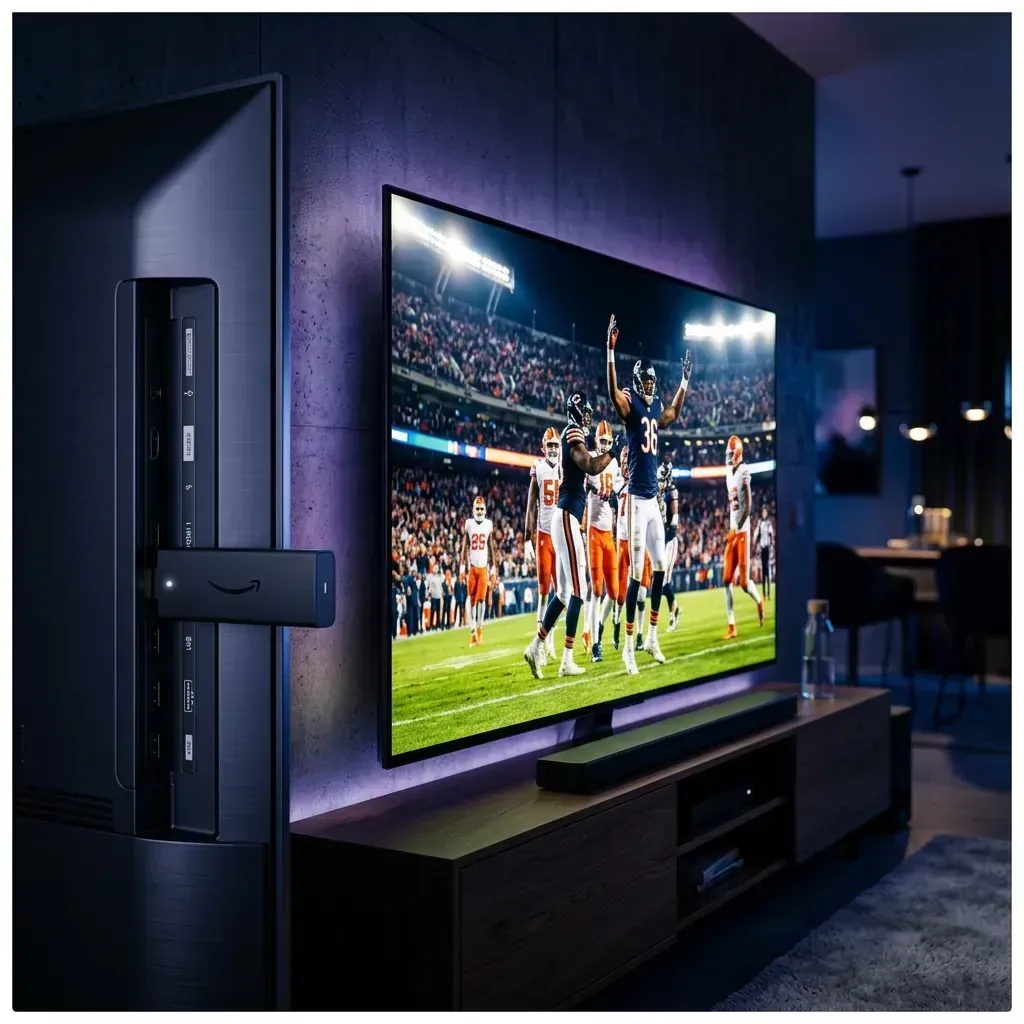
Looking to jailbreak your Firestick in 2026? Stop. Free APKs buffer and carry malware. Follow these 5 safer steps to set up a premium, buffer-free live TV experience.