Guides
What is IPTV? The Ultimate Guide for Beginners in 2026
Learn everything you need to know about Internet Protocol Television (IPTV). Discover how it works, why millions are cutting the cord, and how to choose a safe, premium provider in 2026.
Loading StreamVexa...
Quick access to our expert setup guides, region-specific channels, provider comparisons, and latest tutorials.
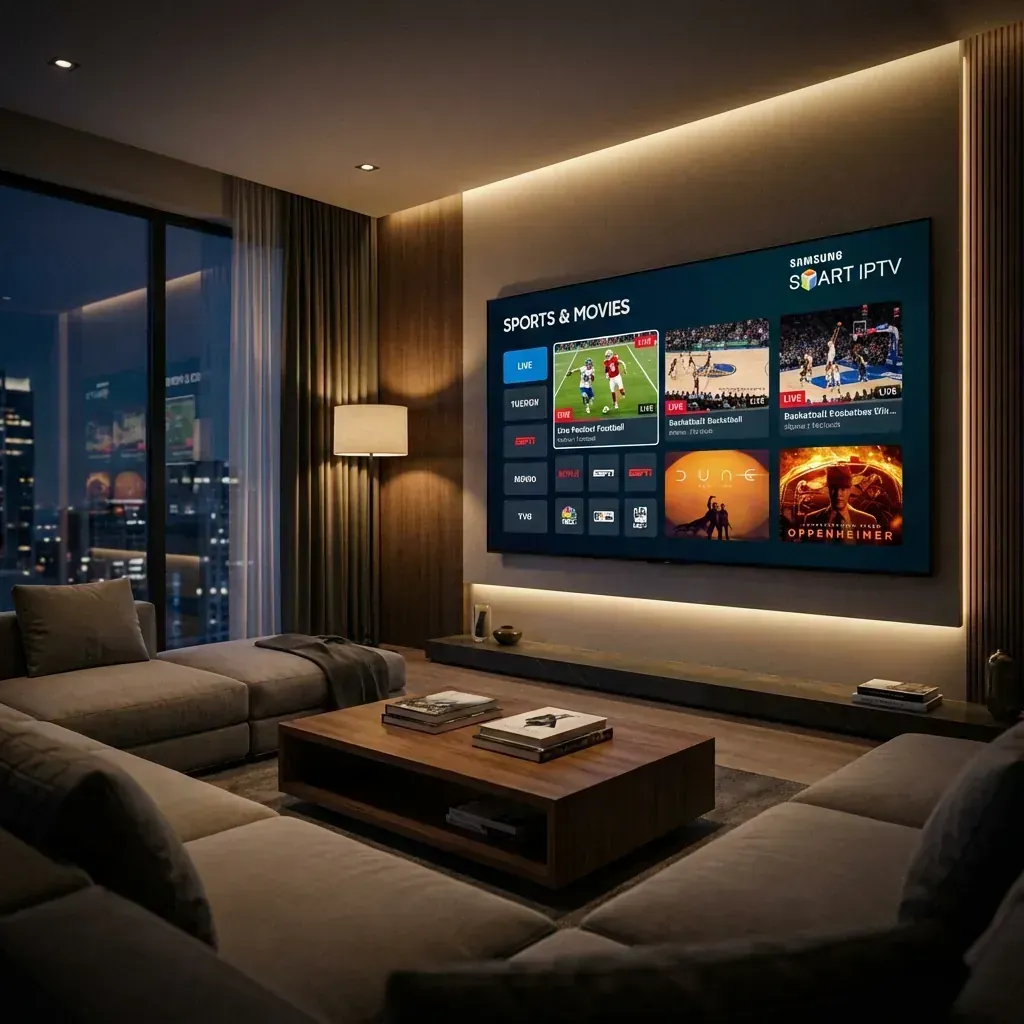
Step-by-step Samsung Smart TV IPTV setup for Tizen OS. Covers IBO Player Pro, Nanomid, and IPTV Smarters with 4K stability optimization tips.
Join 15,000+ others who switched to our Anti-Freeze technology. Get instant access to 25,000+ channels in 4K starting from just 3 months.
Samsung Smart TVs are world-renowned for their display technology—specifically their Neo QLED and OLED panels. If you own a Samsung, you want that 4K (or 8K) panel to shine. However, many users struggle with IPTV because Samsung doesn't use Android; it uses Tizen OS.
In this guide, we'll cut through the noise and show you the exact "no-buffer" configuration for Samsung TVs in 2026. If you want to skip the technical setup and just start watching, grab a Premium Plan and our team will help you configure it.
If you've searched the Samsung App Store, you've probably seen dozens of generic-looking "IPTV Players." Most of them are outdated, haven't been updated since 2021, and crash when attempting to load a high-quality 4K stream.
Unlike a Firestick or Nvidia Shield, you cannot "sideload" apps on a Samsung TV. You are restricted to what is in the official store. Because Samsung has strict security protocols, many apps are forced to use web-based decoders instead of the TV's hardware processor.
The result? Lagging, "audio out of sync" issues, and frequent app crashes.
Based on our stress-testing with StreamVexa's premium 4K feeds, here are the only three apps we recommend for Tizen OS:
This is currently the most stable app on the Samsung App Store. It is a paid app (usually a small one-time lifetime fee), but it is the only player that handles large channel lists (20k+) without slowing down the TV.
If IBO Player isn't available in your region, Nanomid is the runner-up. It has a very clean interface and a robust EPG (Electronic Program Guide) system.
The "lite" version is available in some regions. It's functional, but can feel sluggish on older Samsung models (Pre-2022).
Since IBO Player is our recommended choice, here is how to set it up in under 5 minutes.

Even the best app will buffer if your network isn't optimized for Tizen OS.
Most Samsung TVs (even the flagship models) only have a 100Mbps Ethernet port.
Samsung TVs try to save power by never truly turning off. This can lead to RAM build-up which makes IPTV apps lag.
A Samsung Smart TV combined with a premium IPTV service is the closest you can get to a private cinema. You get the black levels of OLED with the library of every channel on Earth.
Don't settle for a "free" app that buffers during the final lap of an F1 race or the 90th minute of a football match.
Start Your Premium Plan Today and see why StreamVexa is the #1 rated provider for Samsung Smart TV users in 2026.
/blog/how-to-install-iptv-samsung-smart-tv-2026Learn everything you need to know about Internet Protocol Television (IPTV). Discover how it works, why millions are cutting the cord, and how to choose a safe, premium provider in 2026.
Tired of buffering at the worst moment? Discover the best premium IPTV service of 2026 that actually delivers 4K sports and VOD without the freezing.
Looking to jailbreak your Firestick in 2026? Stop. Free APKs buffer and carry malware. Follow these 5 safer steps to set up a premium, buffer-free live TV experience.