The Great British Rip-Off: How to Watch Every Premier League Game in 2026 (Without Going Broke)
If you live in the UK and love football, you are being exploited. It is that simple.
The UK has the most expensive football subscriptions in the world, yet it is the only country where you are legally banned from watching your local team on Saturday afternoons.
In this massive 2500-word manifesto, we are going to dismantle the "Official" system. We will show you exactly why the prices are rigged, how the "3pm Blackout" works, and—most importantly—how you can use modern technology to access every single kick of the ball for less than the price of a pint.
Part 1: The Math of Misery (Sky + TNT + Amazon)
Let's look at the "Official Route" for the 2026 Season. If you want to be a "good citizen" and pay for everything legally, here is what your bank statement looks like.
The Breakdown
To see "most" games, you need three separate contracts:
- Sky Sports Main Event: They hold the rights to roughly 128 games/season.
- Cost: £46.00/month (minimum term apply).
- TNT Sports (formerly BT Sport): They show the 12:30 PM Saturday kickoffs and 52 games total.
- Amazon Prime Video: They show two "game weeks" in December (20 games).
The Total Annual Cost:
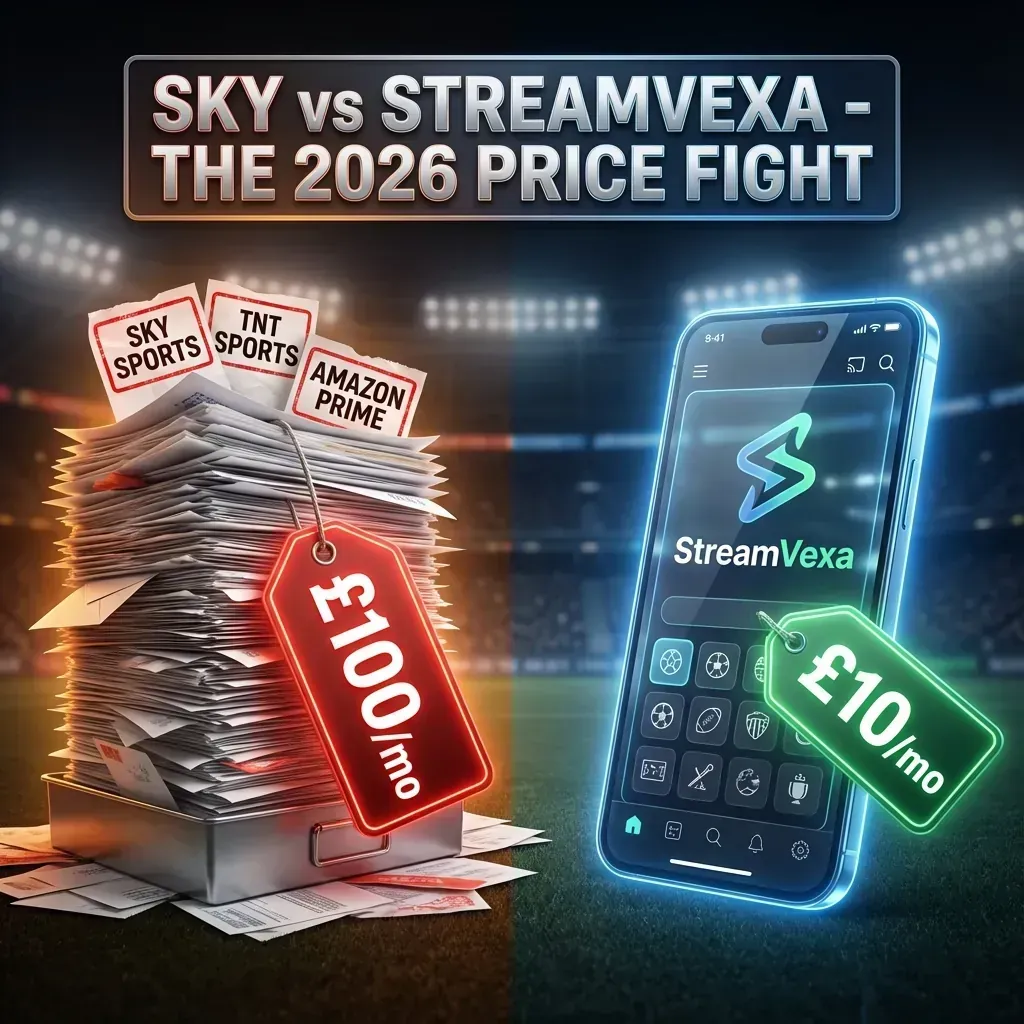
- Monthly: ~£85.00
- TV License (Required): £14.12
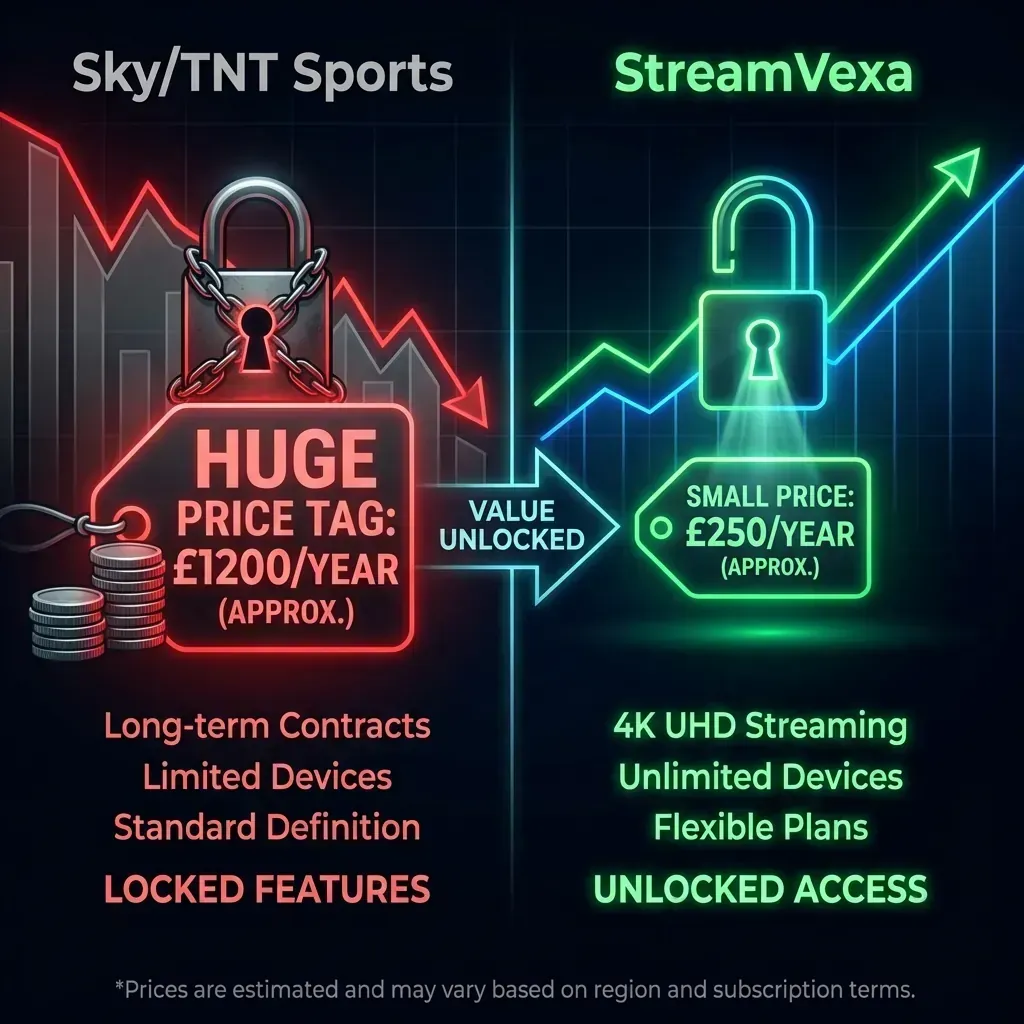
- Grand Total: ~£1,200 Per Year
The "Missing" 50%
Here is the insult to injury. Even after paying £1,200, you still miss roughly 180 games a season.
Why? Because of the 3pm Blackout Rule.
Any game played between 2:45 PM and 5:15 PM on a Saturday cannot be broadcast on UK television.
Imagine buying a Netflix subscription, but Netflix tells you: "Sorry, you can't watch movies on Saturday afternoons. But thanks for the £1,200."
That is the reality of UK football.
Part 2: The International Viewing Solution (How the Rest of the World Watches)
If you travel to America, Australia, or even the Middle East, you will notice something shocking.
They can watch every single Premier League game live.
- USA: NBC Sports shows every 3pm kickoff.
- South Africa: SuperSport shows every 3pm kickoff.
- Middle East: BeIN Sports shows every 3pm kickoff.
The cameras are there. The commentators (often Peter Drury or Martin Tyler) are there. The signal is being beamed up to satellites.
It is just geoblocked from hitting your UK TV receiver.
The Solution? Access the International Feed.
You don't need to fly to Dubai to watch Liverpool vs. Bournemouth at 3 PM. You just need a way to tap into those international feeds.
There are two ways to do this:
- The "Hard" Way (VPN + Foreign Subscription): You buy a VPN, set it to "USA", and try to sign up for "Peacock Premium".
- Problem: You need an American Credit Card. You need a verified US Address. It's a logistical nightmare.
- The "Smart" Way (Premium IPTV): You use a service that aggregates all these international channels into one simple list.
Part 3: Enter StreamVexa (The Ultimate Fix)
StreamVexa is not a broadcaster. We are an aggregator.
We connect to high-speed data centers in the USA, South Africa, and Europe to pull those pristine, 4K international feeds and deliver them straight to your Firestick in the UK.
What You Get with StreamVexa:
- Sky Sports Main Event / Premier League / Football: For the Super Sunday games.
- TNT Sports Ultimate: For the Saturday early kickoff (in 4K).
- Peacock / NBC Sports (USA): Crucial. This is where you watch the 3pm kickoffs.
- Optus Sport (Australia): A fantastically stable backup source.
- SuperSport (South Africa): English commentary, 50fps quality.
The Cost Comparison (2026)
| Feature | The "Official" Route | StreamVexa IPTV |
| :--- | :--- | :--- |
| Annual Cost | £1,200+ | £60 - £100 |
| Total Live Games | ~200 | 380 (100% Complete) |
| 3pm Saturday Games | Banned | Live (via USA/SA Feeds) |
| Video Quality | 1080p (4K costs extra) | 4K HDR Included |
| Devices | Locked to Sky Box | Firestick, iPad, PC, Smart TV |
| Contract | 18 Months (Hard Credit Check) | No Contract (Cancel Anytime) |
The math is undeniable. By switching, you save enough money to buy a Season Ticket at many Premier League clubs.
Part 4: Is It Reliable? (The "Pub" Test)
We know what you are thinking. "I tried IPTV from a guy at the pub once and it froze every 5 minutes."
That was 2020. This is 2026. The technology has evolved.
1. Anti-Freeze Technology
Old IPTV services used single-server setups. If 1,000 people logged on, the server crashed.
StreamVexa uses Content Delivery Networks (CDNs).
When you watch a game, you aren't connecting to one server. You are connecting to a cloud of servers. If one node gets overloaded, you are instantly, seamlessly routed to another. The stream doesn't even stutter.
2. ISP Throttling Protection
UK ISPs (Virgin Media, BT, Sky Broadband) hate IPTV. They try to "throttle" (slow down) your connection during matches.
We use Encrypted Packets.
Our data looks like standard HTTPS web traffic. Your ISP can't tell the difference between you watching a match on StreamVexa and you downloading a file from Dropbox. They don't throttle what they can't identify.
3. The 4K Difference
Most "pub sellers" re-compress their streams to save money. That's why the ball looks blurry.
We provide "Raw" feeds.
We take the direct satellite feed from the source and pass it to you with minimal compression. This means you get the full 50 FPS (Frames Per Second) experience. When the ball moves fast, it stays crisp.
Part 5: How to Get Started (In 5 Minutes)
You don't need a satellite dish. You don't need an engineer to drill holes in your wall.
What You Need:
- Internet: At least 20 Mbps speed (stable).
- Device: Amazon Firestick 4K (Recommended), Smart TV, or Android Box.
- App: TiviMate (Best), Smarters Pro, or our Official App.
The Setup Steps:
- Sign Up: Get started with our Premium 3-Month Plan backed by a 7-day money-back guarantee.
- Install: Follow our Setup Guide.
- Login: Enter the username/password we send to your WhatsApp.
- Navigate: Go to the "UK | Sports" folder for Sky/TNT, or the "USA | Sports" folder for 3pm kickoffs.
Conclusion: Take Back Control
The UK's football broadcasting model is broken. It exploits loyalty and offers sub-par service.
You have a choice.
You can continue to pay £100 a month to be told which games you are "allowed" to watch.
Or you can join the future of streaming.
Watch. Every. Game.
Start Your Premium Plan Now
Check Our Pricing Plans
Frequently Asked Questions (FAQ)
Is the service mentioned in "Cheapest Way to Watch Premier League 2026: The Ultimate 3PM Blackout Guide (2000+ Words)" secure and safe?
Yes, when using recommended premium providers and standard streaming devices, your connection is secure. We always suggest using a high-quality streaming service with built-in Anti-Freeze technology for the best experience.
How do I stop buffering when watching Watch Premier League cheap 2026?
The most common cause of buffering is Wi-Fi interference or ISP throttling. To resolve this instantly, hardwire your device with an Ethernet cable, or connect to a 5GHz Wi-Fi network. Additionally, using a premium provider guarantees stable servers during peak times.
What is the best device for this setup?
We highly recommend the Amazon Fire TV Stick 4K Max, Nvidia Shield TV Pro, or a high-end Android TV Box. These devices possess the processing power required to decode 4K streams smoothly without local lag.
-
Meta Title: Cheapest Way to Watch Premier League 2026: The Ultimate 3PM Blackout Guide (2000+ Words)"
-
Meta Description: The 3PM Blackout is dead. Here is the definitive guide to watching every single Premier League game (Sky, TNT, Amazon) for £10/mo in 4K."
-
URL Slug: /blog/how-to-watch-premier-league-uk
-
Primary Keyword: Watch Premier League cheap 2026
-
Secondary Keywords: Watch Premier League cheap 2026, 3pm blackout workaround, Sky Sports alternative, TNT Sports alternative, EPL streaming guide, Best IPTV for Football"
-
Internal Links: