
Tech Guide
Mejor IPTV en España: Disfruta de la Televisión Premium en 4K
¿Buscas una alternativa estable para ver canales internacionales y cine en España? Descubre cómo funciona el IPTV Premium sin cortes.
Loading StreamVexa...
Quick access to our expert setup guides, region-specific channels, provider comparisons, and latest tutorials.
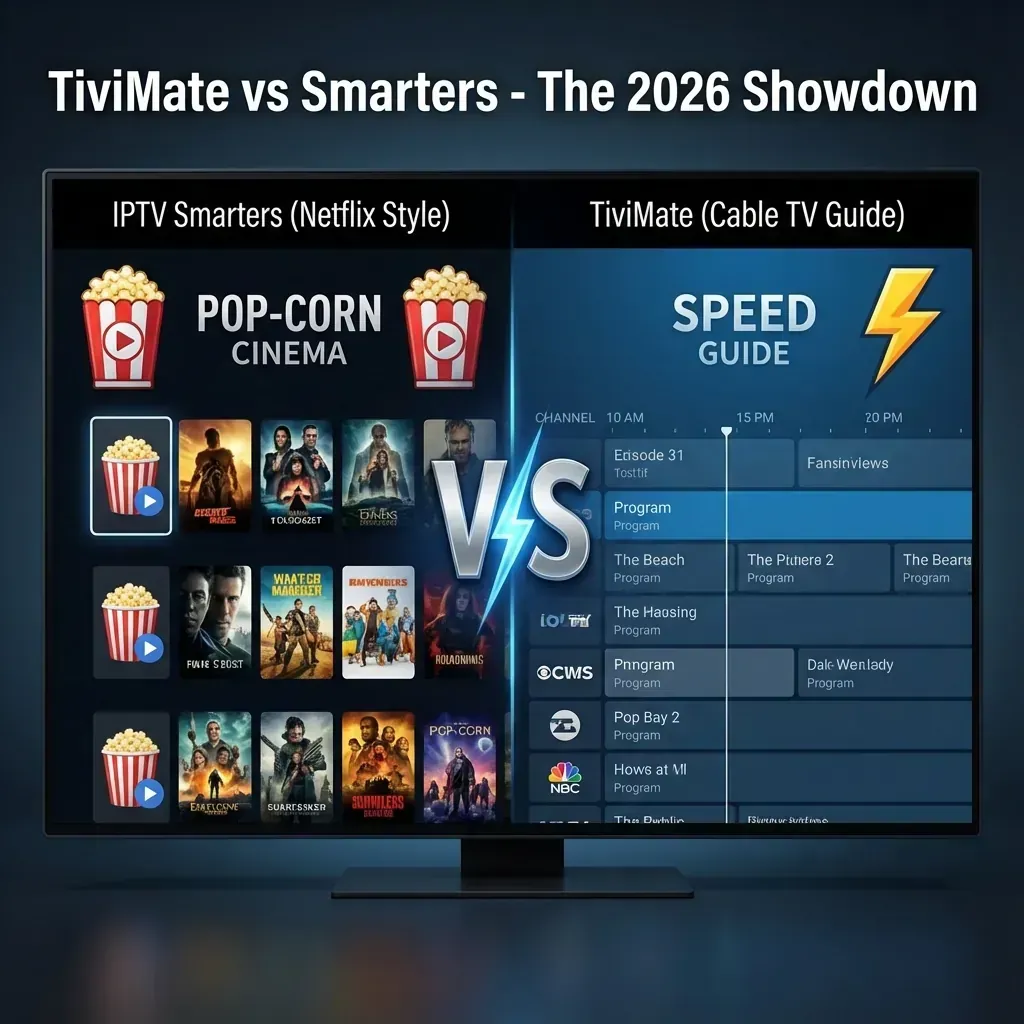
Learn how to get the most out of TiviMate vs. IPTV Smarters Pro: Which One is Actually Better in 2026? with StreamVexa. Watch TiviMate vs IPTV Smarters 2026 in 4K.
Join 15,000+ others who switched to our Anti-Freeze technology. Get instant access to 25,000+ channels in 4K starting from just 3 months.
You've spent good money on a 4K TV and a high-speed internet connection. So why does your TV interface look like a budget app from 2015?
In the world of IPTV, two players dominate the market. One is the "friendly neighborhood freebie," and the other is the "professional powerhouse." Choosing between IPTV Smarters Pro and TiviMate Premium is the single most important decision you'll make for your viewing experience.
In this 2026 breakdown, we’ll show you exactly why seasoned cord-cutters are ditching "free" apps and moving to professional setups.
Smarters is popular because it works on everything—phones, tablets, and TVs. But let’s be honest: the interface is cluttered.
TiviMate was designed from the ground up specifically for TV screens. It doesn't even work on phones because it focuses entirely on the "Lean Back" experience.
If you watch live sports, this is where the battle ends.
Ever noticed a "jitter" or "stutter" when the camera pans quickly during a football game? That’s because your TV’s refresh rate doesn't match the stream's frame rate.
TiviMate is a "heavy" app. It requests a lot of data from the server to keep its guide, icons, and Multi-View running.
The "Cheap Provider" Trap: If you use a budget IPTV provider, their servers will choke under the data requests of TiviMate. This is why many people think TiviMate "buffers more"—it's not the app, it's the weak server failing to keep up.
The StreamVexa Solution: At StreamVexa, our servers are explicitly engineered for TiviMate. We use high-bandwidth CDNs that handle TiviMate's advanced data requests instantly.
| Feature | IPTV Smarters Pro | TiviMate Premium | |---|---|---| | Price | Free (with ads) | ~$10/yr (Paid) | | User Interface | Cluttered / Mobile-First | Premium / TV-First | | Multi-View | No | Yes (Up to 9 screens) | | Auto Frame Rate | No | Yes (Liquid Smooth) | | Recording | Unreliable | Advanced (USB/Cloud) | | Device Support | All Devices (iOS/Android) | Android TV / Firestick Only |
Start Your Premium Plan Now and test both players on our premium 4K servers. You’ll see the difference within the first 10 seconds.
/blog/tivimate-vs-iptv-smarters-review¿Buscas una alternativa estable para ver canales internacionales y cine en España? Descubre cómo funciona el IPTV Premium sin cortes.

Learn how to watch World Cup 2026 live stream in high-bitrate 4K UHD. Stream every match with zero buffering, regional blackouts, or expensive cable bills.

We tested the top IPTV providers of 2026. See which services actually deliver buffer-free 4K sports, massive VOD libraries, and reliable customer support without the scams.