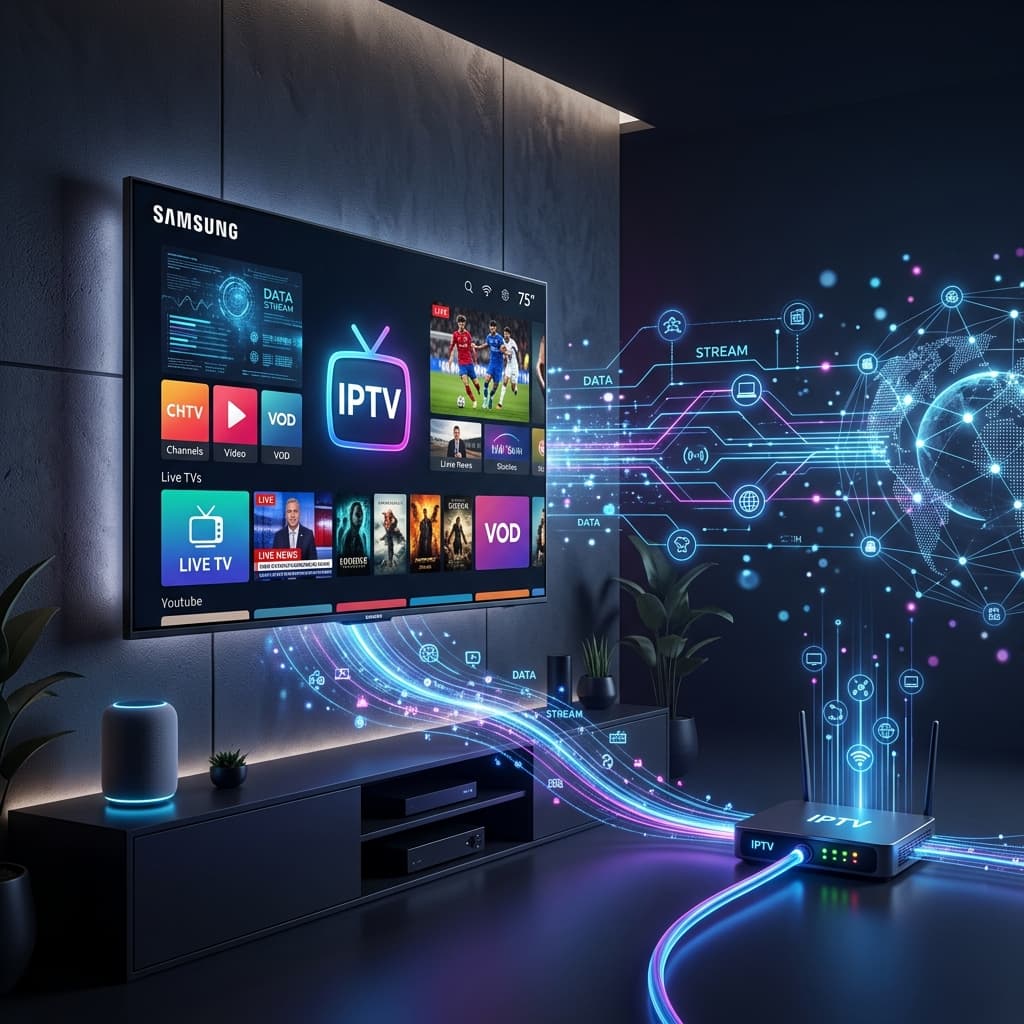
Guides
What is IPTV? The Ultimate Guide for Beginners in 2026
Learn everything you need to know about Internet Protocol Television (IPTV). Discover how it works, why millions are cutting the cord, and how to choose a safe, premium provider in 2026.
Loading StreamVexa...
Quick access to our expert setup guides, region-specific channels, provider comparisons, and latest tutorials.
Join thousands of Americans saving up to 80% on their TV bills via our StreamVexa Cord-Cutting Masterclass.
Join 15,000+ others who switched to our Anti-Freeze technology. Get instant access to 25,000+ channels in 4K starting from just 3 months.
The era of $150-a-month cable contracts is officially dead. Between mandatory equipment rentals, obscure "broadcast TV fees," and sudden mid-contract price hikes, the traditional television model has collapsed under its own weight.
In response, millions of viewers have successfully "cut the cord," shifting to IPTV (Internet Protocol Television) to regain control over what they watch and exactly what they pay.
However, diving into the world of internet-streamed television can be incredibly overwhelming for a beginner. Which device should you buy? Should you use a Firestick or an Android Box? What is the difference between an M3U playlist and the Xtream Codes API?
We built this Ultimate Pillar Guide to serve as your permanent roadmap. Bookmark this page. Below, you'll find the absolute foundations of cord-cutting linked directly to our deep-dive technical tutorials for every device and software application you could ever need.
If you are currently paying a cable company like Comcast, Spectrum, or Sky, they physically deliver a specific television signal through a coaxial cable screwed into the wall behind your TV.
IPTV fundamentally breaks that limitation. Instead of routing a physical wire, IPTV delivers massive, highly-compressed packages of Live TV and On-Demand content directly through your Wi-Fi or Ethernet internet connection.
Because the logistics of internet delivery are nearly free compared to laying thousands of miles of copper cable, premium IPTV providers can deliver 20,000+ live channels, 100,000+ movies, and all premium sports packages for a fraction of traditional costs.
👉 Deep Dive: Read our Complete Beginner's Guide on How IPTV Works
To watch internet TV, your television needs a "brain" capable of processing high-speed video streams. If you have an older "dumb" TV, or a Smart TV with a very sluggish interface (like older Samsung Tizen or LG WebOS systems), you absolutely must upgrade your hardware with a dedicated streaming device.
Currently, 90% of cord-cutters start with a Firestick. It is cheap, immensely powerful, and incredibly easy to install custom IPTV players on (via a process called "Sideloading").
Apple enforces extreme restrictions on what apps can be published, but several top-tier applications have managed to bridge the gap, making the Apple TV 4K an unparalleled hardware choice for buttery-smooth 4K streams.
For users who categorically refuse to buy extra HDMI sticks, modern LG and Samsung TVs allow you to install certain sanctioned players directly from their respective app stores, skipping the messy "Sideloading" phase.
Once your hardware is plugged in and connected to the internet, you need the actual software "Player." Think of the player as the dashboard where you type in your specific Provider Credentials. Start with our Premium 3-Month Plan. Every plan comes with an unconditional 7-day money-back guarantee, so you can test every channel risk-free.
If you own an Android TV Box or a Firestick, TiviMate is the only app you should be using. It provides a stunning, Sky-Q level interface, Multi-View (watching 4 sports games on one screen simultaneously), and robust DVR recording capabilities.
If you are on a Samsung Smart TV, an iPhone, or just want a free player that "just works" on everything, Smarters Pro is the global default. It takes 60 seconds to set up and features an incredibly straightforward VOD interface.
The single biggest complaint new cord-cutters have about internet TV is the dreaded "Buffering Circle." When the Super Bowl or a massive UFC PPV starts, millions of global requests hit streaming servers simultaneously. Cheap, unoptimized IPTV servers buckle under the pressure, causing your screen to freeze right before the knockout blow.
👉 Troubleshooting: The Complete Guide to Fixing IPTV Buffering and Freezing
👉 Checklist: How to Find a Reliable IPTV Provider and Avoid Scams
Let's look at the brutal math driving the mass exodus from traditional cable:
Traditional American and UK cable companies charge roughly $1,400 to $1,800 annually for standard packages riddled with contracts and forced advertisements.
Conversely, a premium, buffer-free tier IPTV system usually costs around $80 to $120 per year. The savings regularly exceed $1,200 annually—and you gain completely unlocked, blackout-free access to NFL Sunday Ticket, NBA League Pass, 3:00 PM Premier League kickoffs, and international VOD catalogs.
👉 The Breakdown: Cable TV vs IPTV Cost Comparison 2026
👉 Live Sports Access: NFL & NBA Live Streaming Guide Without Blackouts
Now that you understand the architecture of cord-cutting, it's time to build your own system.
Grab a streaming device, download an excellent application like Smarters Pro, and experience a genuinely premium, un-throttled 4K server network architecture for yourself.
StreamVexa provides instantaneous, zero-risk Premium Plans backed by 24/7 technical support. Stop overpaying for mediocre television.
Click Here to Start Your Premium Plan (7-Day Money-Back Guarantee)
/blog/ultimate-guide-cord-cutting-iptvLearn everything you need to know about Internet Protocol Television (IPTV). Discover how it works, why millions are cutting the cord, and how to choose a safe, premium provider in 2026.
Tired of buffering at the worst moment? Discover the best premium IPTV service of 2026 that actually delivers 4K sports and VOD without the freezing.
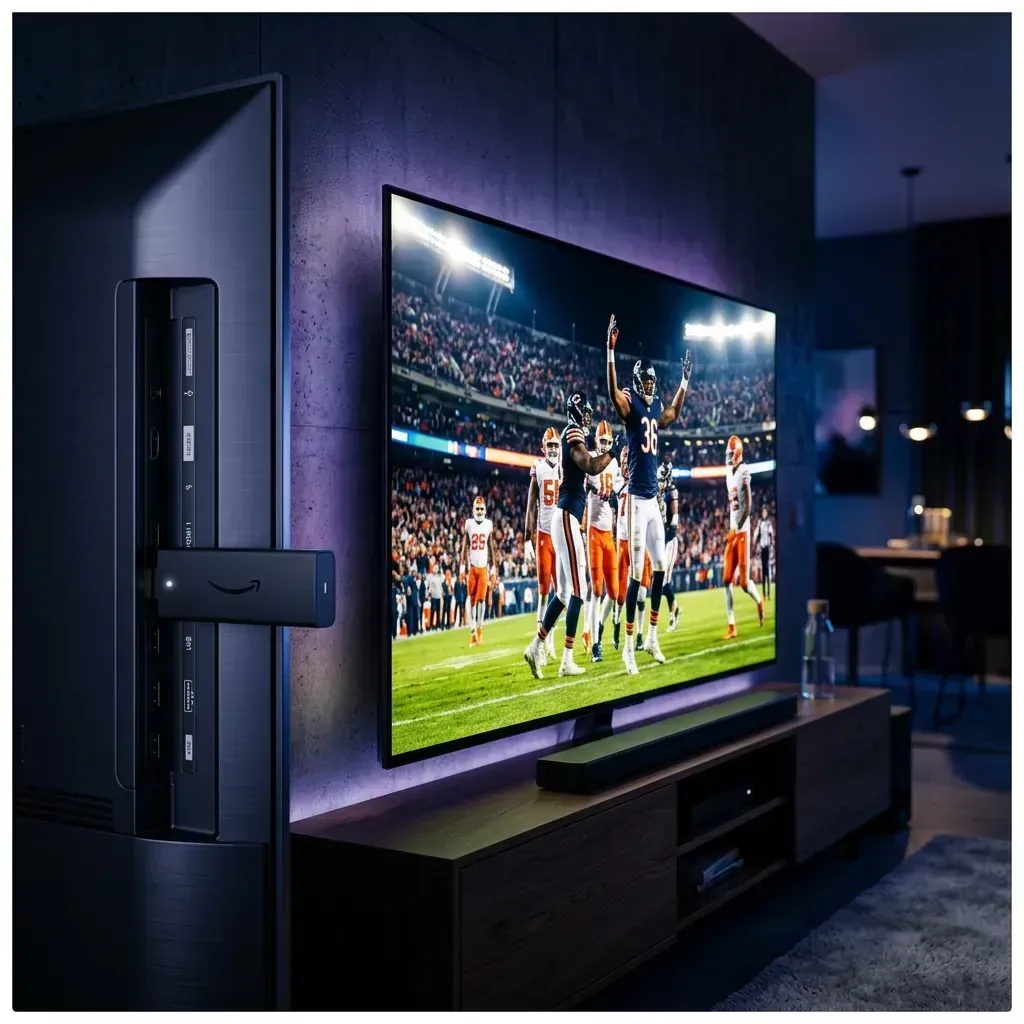
Looking to jailbreak your Firestick in 2026? Stop. Free APKs buffer and carry malware. Follow these 5 safer steps to set up a premium, buffer-free live TV experience.